A planner built for the computer you already use all day.
Keep your day open beside your work. Add something when it comes up, check what matters next, and adjust your plans without stopping to maintain another system.
Start free. No credit card required.
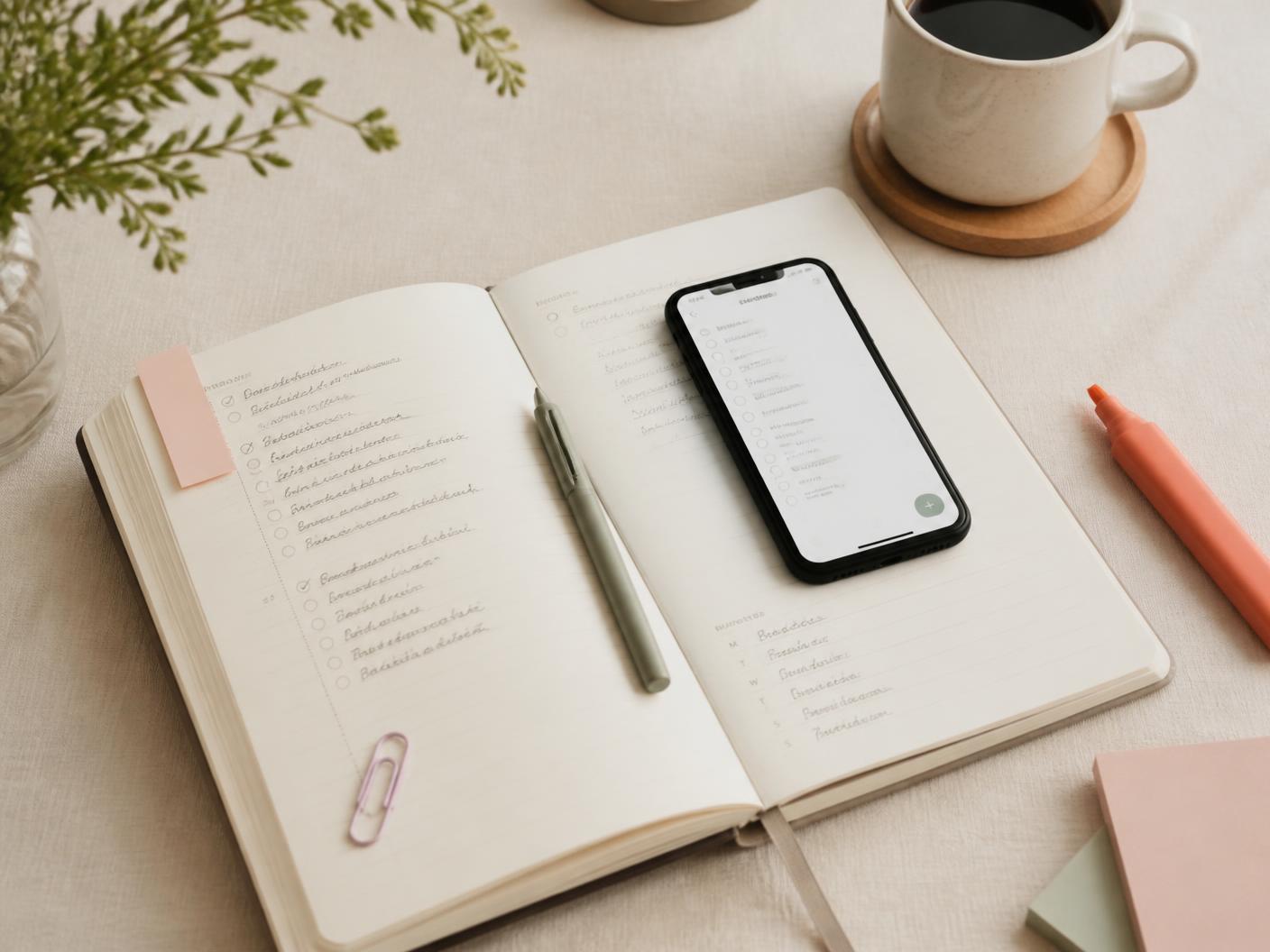
Keep your day in view
When most of your day happens on a computer, your planner can live there too.
Instead of keeping plans somewhere you have to remember to check, Daily Crush stays open in a browser tab beside your work.
Today's tasks
Schedule
Routines
Meals
Add things when they happen
Planning doesn't have to happen in one dedicated session. When something comes up, add it and keep moving.
Renew library books
Dentist, Thursday 3:00 PM
Pasta night on Friday
Text Mom back
See more than your task list
Work and personal life overlap during the day. The Daily Crush daily planner shows them together instead of making you switch between tools.
- Tasks
- Schedule
- Routines
- Meals
- Personal plans
Planning in small moments
For people who like being organized but don't have time to sit down and maintain a planner. Read more in how to plan your day when you work on a computer.
Morning
Check what matters today.
During the day
Add things as they come up.
Later
Review what didn't get finished.
Your planner stays personal
This is your personal planner, not another work dashboard. See everything it can hold on the digital planner page.
Layouts
Choose a Planner layout, or arrange the cards your way.
Themes
Pick a look that feels like yours.
Stickies
Pin quick notes right on your Planner.
Stickers
Decorate your Planner on desktop with Pro.
Journals
Keep a journal, gratitude, and prayers with Pro.
Works beyond your computer too
Away from your desk? Daily Crush also works in the browser on your phone or tablet, so your plan is there when you need it.
Start free. Go Pro when you want more.
Daily Crush is free to start.
Daily Crush Pro unlocks the full planner experience for $10/year.
Quick answers
What is a computer planner?
A computer planner is a digital place to organize your tasks, schedule and everyday plans on the screen you already use throughout the day.
Can I keep Daily Crush open while I work?
Yes. Daily Crush runs in your browser, so you can keep it open in a tab and return to it throughout the day.
Does Daily Crush work on desktop?
Yes. Daily Crush is designed to make full use of a desktop screen while also working on phones and tablets.
Is Daily Crush a work productivity app?
No. Daily Crush can help organize tasks and schedules, but it is designed as a personal planner rather than a project-management system.
Is Daily Crush free?
Daily Crush is free to start, with no credit card required. Pro unlocks additional features for $10/year.
Keep your day where you can see it.
Plan in the small moments between everything else you're already doing.
Start free. No credit card required.
Back to the Daily Crush homepage.